User Guide
Everything you need to know to use Spark Laundry.
1 Getting Started
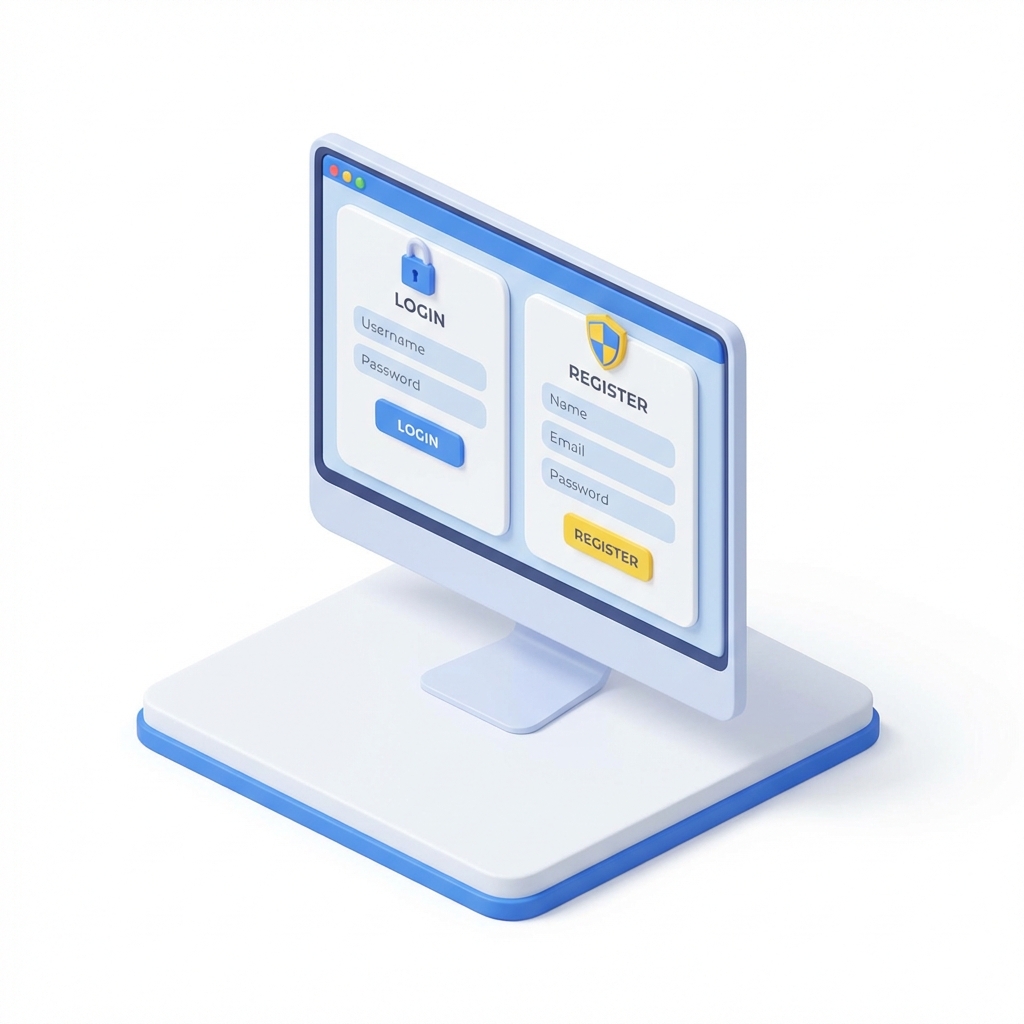
To start using our services, you'll need to create an account.
- Click Get Started or Log In in the top menu.
- Fill in your details (Name, Email, Password).
- Once registered, you'll be redirected to your personal dashboard.
2 Using the Dashboard

Your dashboard is the command center.
- Overview: See recent orders and status.
- New Order: Quickly book a pickup.
- History: View past transactions.
3 Placing an Order
Ready to wash?
- Click New Order in the sidebar.
- Select items or choose "Bulk Wash".
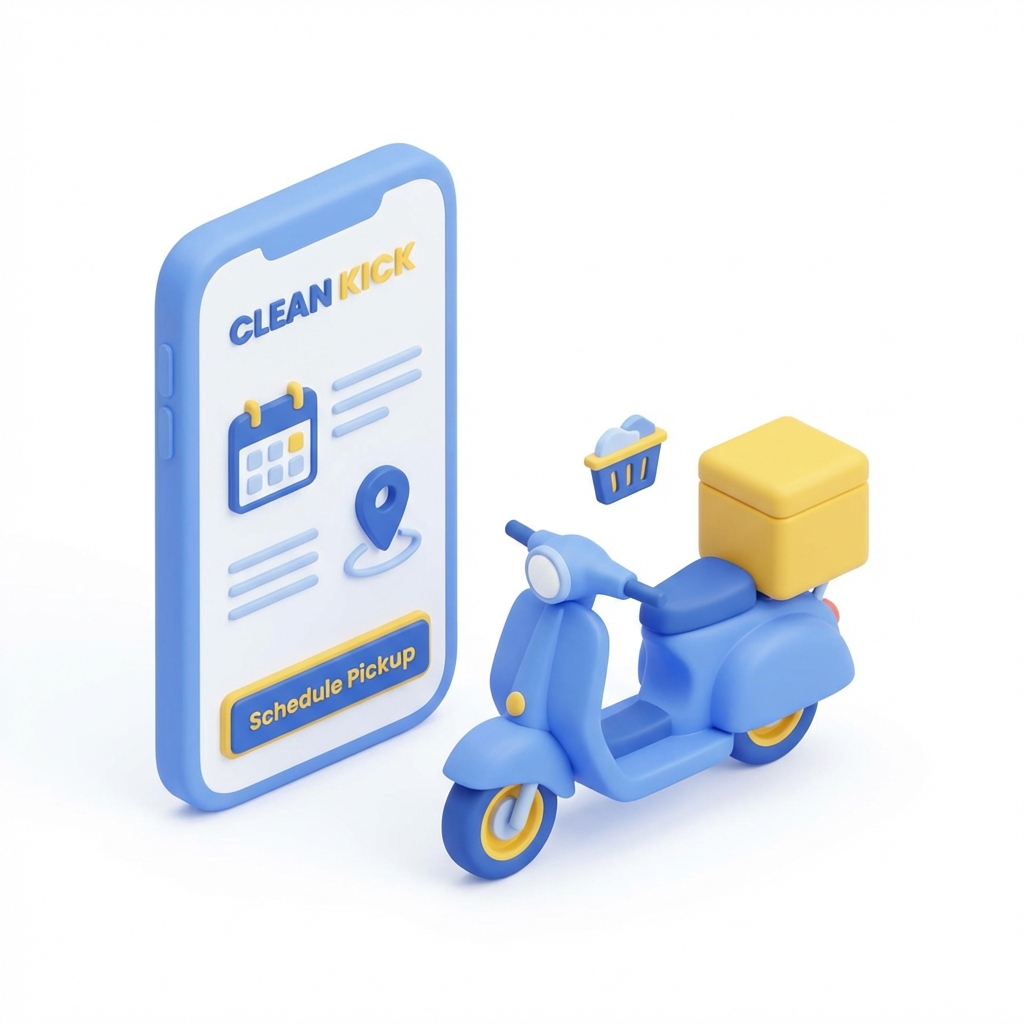
- Pick a date and time for pickup.
- Confirm your address and submit!
Still have questions?
Contact Support